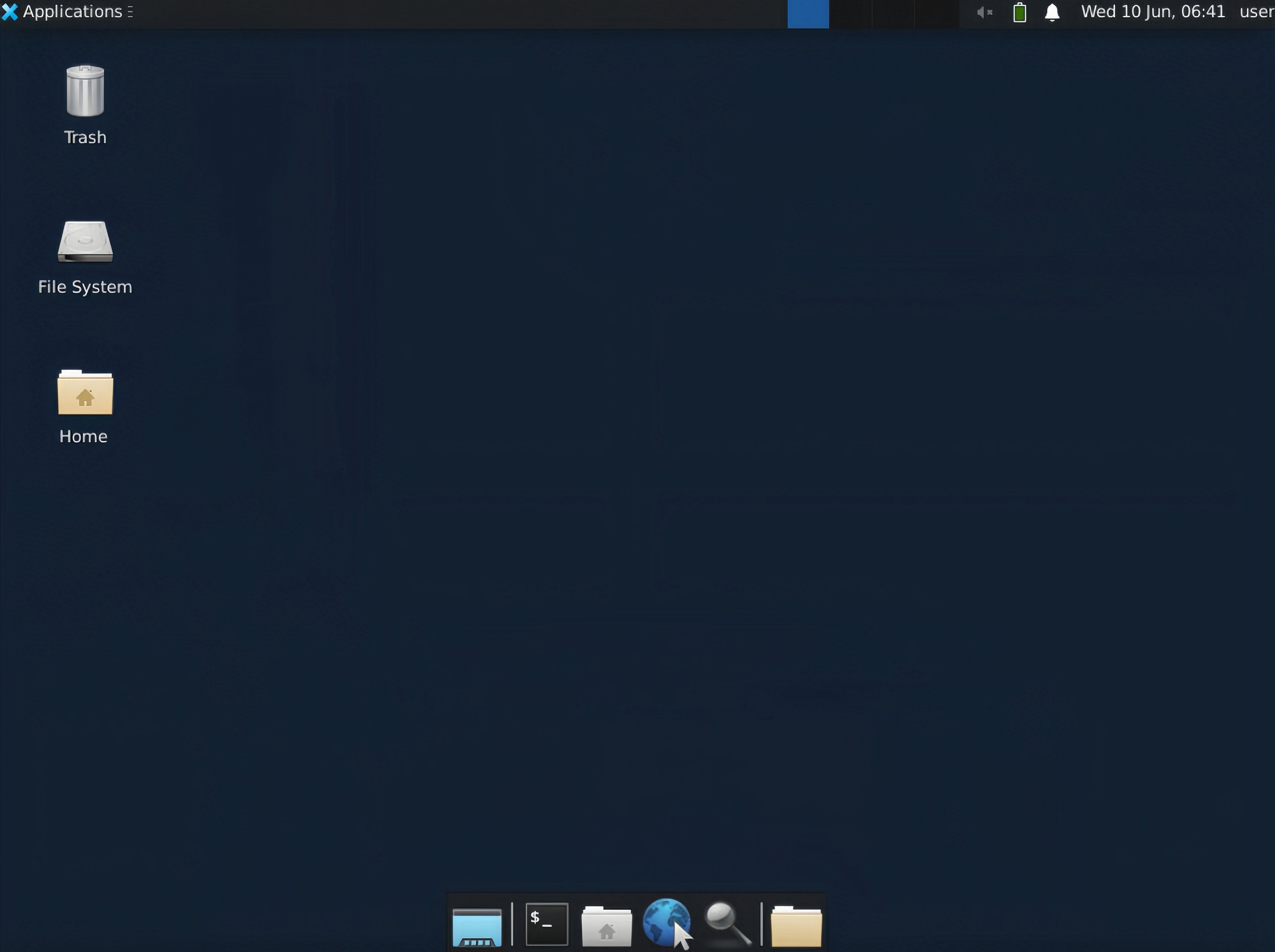
// demo.ts implementation
import { Novita } from 'novita-sandbox'

async function main() {
  const novita = new Novita()

  // Initialize virtual desktop sandbox instance
  const desktop = await novita.desktop.create()

  // Activate desktop streaming service
  await desktop.stream.start()

  // Retrieve interactive VNC endpoint URL
  const url = desktop.stream.getUrl()
  console.log(url)

  // Expected output format:
  // Browser-accessible URL for interactive virtual desktop session. Suitable for application integration.
  // https://6080-ik0n7lc3j0dvqd4jxy6g7.us-phx-1.sandbox.novita.ai/vnc.html?autoconnect=true&resize=scale

  // Retrieve read-only VNC endpoint URL (interaction disabled)
  const urlDisabledInteraction = desktop.stream.getUrl({ viewOnly: true })
  console.log(urlDisabledInteraction)
  // Expected output format:
  // Browser-accessible URL for view-only virtual desktop session (non-interactive mode). Suitable for monitoring applications.
  // https://6080-ik0n7lc3j0dvqd4jxy6g7.us-phx-1.sandbox.novita.ai/vnc.html?autoconnect=true&view_only=true&resize=scale

  // Keep the program running
  console.log('Desktop stream started, press Ctrl+C to stop the program...')
  const interval = setInterval(() => {}, 1000)

  // Register interrupt signal handlers for resource cleanup
  let isCleaning = false
  const cleanup = async () => {
    if (isCleaning) return
    isCleaning = true

    console.log('\nProgram interrupted, cleaning up resources...')
    clearInterval(interval)
    try {
      await desktop.stream.stop() // Terminate streaming service
      await desktop.kill() // Deallocate sandbox instance
    } catch (err) {
      console.error('Error cleaning up resources:', err)
    }
    process.exit(0)
  }

  process.on('SIGINT', cleanup)
  process.on('SIGTERM', cleanup)
}

main().catch(console.error)