1. Novita API Key を取得する
2. 環境設定
サービスの使用を開始する前に、必要な環境変数を設定する必要があります。Bash
export NOVITA_API_KEY=<Your API key obtained in the previous step>
3. SDK のインストール
開発環境とプログラミング言語に対応する適切なインストール方法を選択してください。npm i novita_sandbox
pip install novita_sandbox
4. 実装例
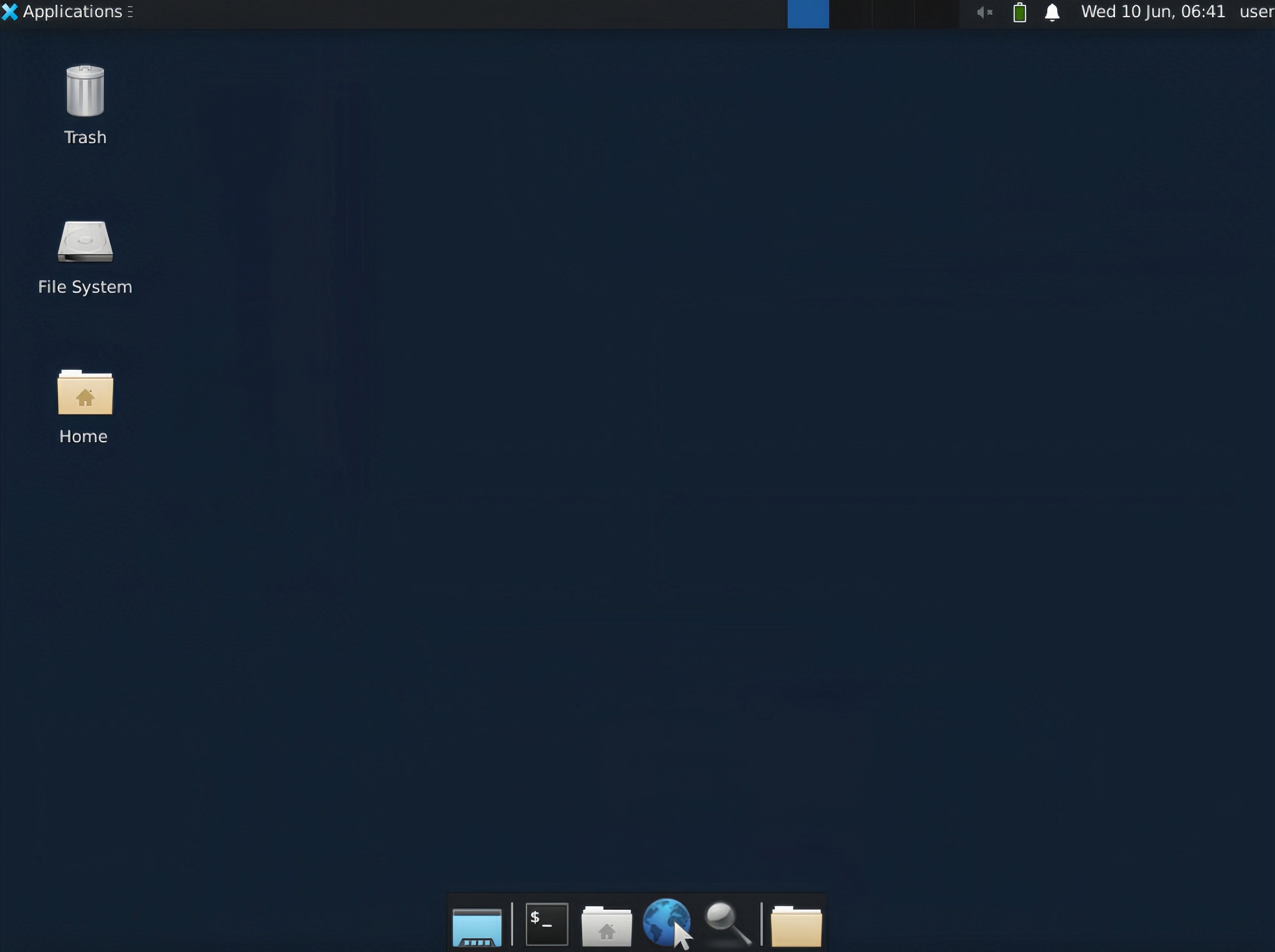
仮想デスクトップストリーム VNC URL を取得する
以下の実装は、仮想デスクトップ環境のインスタンス化と、リモートデスクトップ操作のための VNC アクセスエンドポイントの取得を示しています。// demo.ts implementation
import { Sandbox } from 'novita-sandbox/desktop'
async function main() {
// Initialize virtual desktop sandbox instance
const desktop = await Sandbox.create()
// Activate desktop streaming service
await desktop.stream.start()
// Retrieve interactive VNC endpoint URL
const url = desktop.stream.getUrl()
console.log(url)
// Expected output format:
// Browser-accessible URL for interactive virtual desktop session. Suitable for application integration.
// https://6080-ik0n7lc3j0dvqd4jxy6g7.us-phx-1.sandbox.novita.ai/vnc.html?autoconnect=true&resize=scale
// Retrieve read-only VNC endpoint URL (interaction disabled)
const urlDisabledInteraction = desktop.stream.getUrl({ viewOnly: true })
console.log(urlDisabledInteraction)
// Expected output format:
// Browser-accessible URL for view-only virtual desktop session (non-interactive mode). Suitable for monitoring applications.
// https://6080-ik0n7lc3j0dvqd4jxy6g7.us-phx-1.sandbox.novita.ai/vnc.html?autoconnect=true&view_only=true&resize=scale
// Keep the program running
console.log("Desktop stream started, press Ctrl+C to stop the program...")
const interval = setInterval(() => {}, 1000)
// Register interrupt signal handlers for resource cleanup
let isCleaning = false
const cleanup = async () => {
if (isCleaning) return
isCleaning = true
console.log("\nProgram interrupted, cleaning up resources...")
clearInterval(interval)
try {
await desktop.stream.stop() // Terminate streaming service
await desktop.kill() // Deallocate sandbox instance
} catch (err) {
console.error("Error cleaning up resources:", err)
}
process.exit(0)
}
process.on('SIGINT', cleanup)
process.on('SIGTERM', cleanup)
}
main().catch(console.error)
# demo.py implementation
from novita_sandbox.desktop import Sandbox

# Initialize virtual desktop sandbox instance
desktop = Sandbox.create()

# Activate desktop streaming service
desktop.stream.start()

# Retrieve interactive VNC endpoint URL
url = desktop.stream.get_url()
print(url)
# Expected output format:
# Browser-accessible URL for interactive virtual desktop session. Suitable for application integration.
# https://6080-ik0n7lc3j0dvqd4jxy6g7.us-phx-1.sandbox.novita.ai/vnc.html?autoconnect=true&resize=scale

# Retrieve read-only VNC endpoint URL (interaction disabled)
url_readonly = desktop.stream.get_url(view_only=True)
print(url_readonly)
# Expected output format:
# Browser-accessible URL for view-only virtual desktop session (non-interactive mode). Suitable for monitoring applications.
# https://6080-ik0n7lc3j0dvqd4jxy6g7.us-phx-1.sandbox.novita.ai/vnc.html?autoconnect=true&view_only=true&resize=scale

# Implement keyboard interrupt handling for graceful shutdown
try:
    print("Desktop stream started, press Ctrl+C to stop the program...")
    import time
    while True:
        time.sleep(0.1)
except KeyboardInterrupt:
    print("\nProgram interrupted, cleaning up resources...")

# Execute resource deallocation procedures
desktop.stream.stop()  # Terminate streaming service
desktop.kill()        # Deallocate sandbox instance